Find anything
Search posts, people, hashtags, dates, platforms, conversations, and archived media.
 Afterfeed
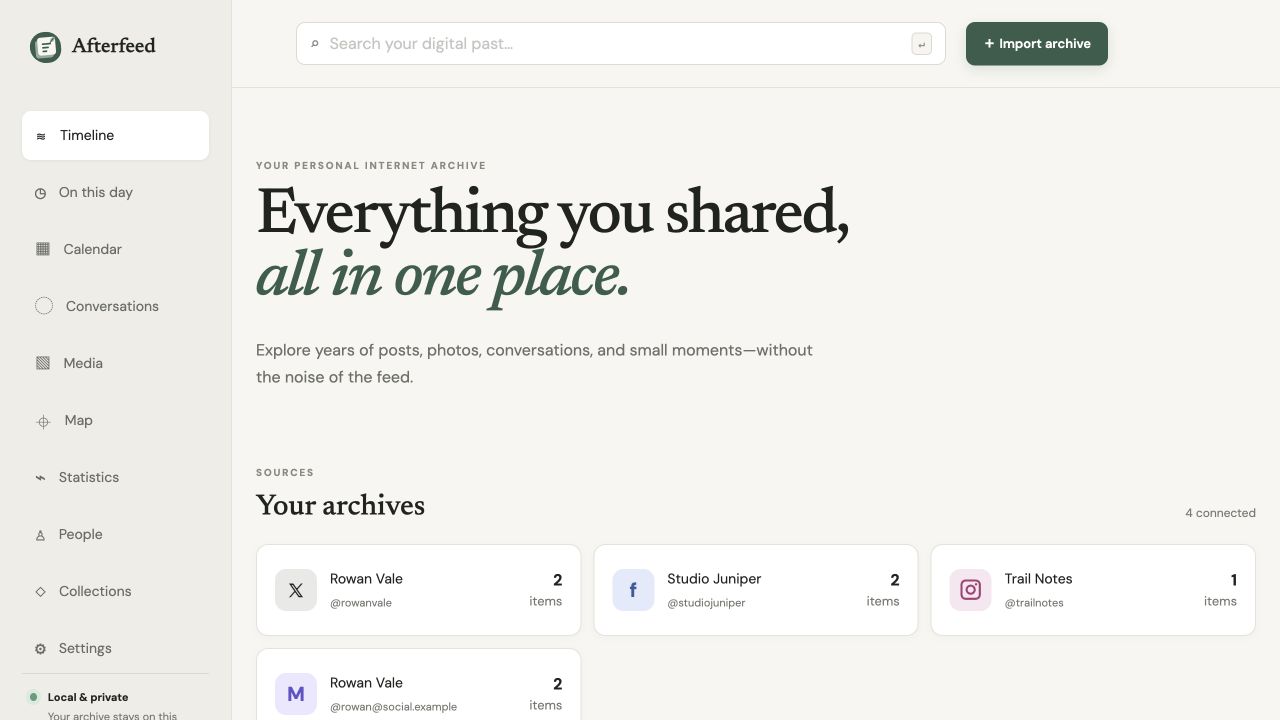
YOUR PERSONAL INTERNET ARCHIVE
Afterfeed turns years of disconnected social exports into one calm, searchable timeline—private, local-first, and entirely under your control.
Free and open source · Self-hosted · Multi-user ready
A QUIETER WAY TO LOOK BACK
Search posts, people, hashtags, dates, platforms, conversations, and archived media.
On This Day, maps, calendars, and statistics make a long archive feel human again.
Annotate, collect, tag, and hide posts without changing the original archive.
Create social-ready images or privacy-filtered HTML, PDF, JSON, and media exports.
Your database and media stay on the installation you control. No hosted account required.
A user-scoped read-only API and MCP server make your own history useful again.
MEMORIES ACROSS THE YEARS
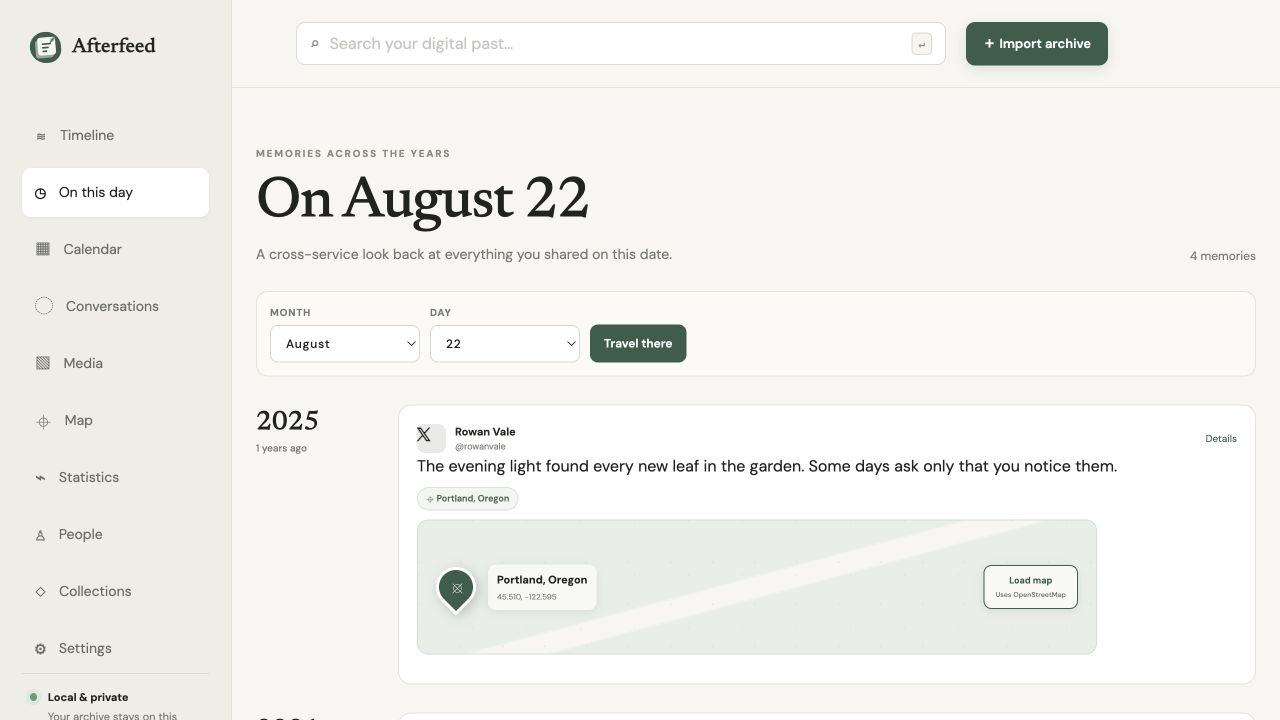
Choose a date and see the moments you shared across every service, grouped by year. Location-bearing posts can include a focused map without loading tiles until you ask.
SHARE A MEMORY, NOT YOUR ARCHIVE
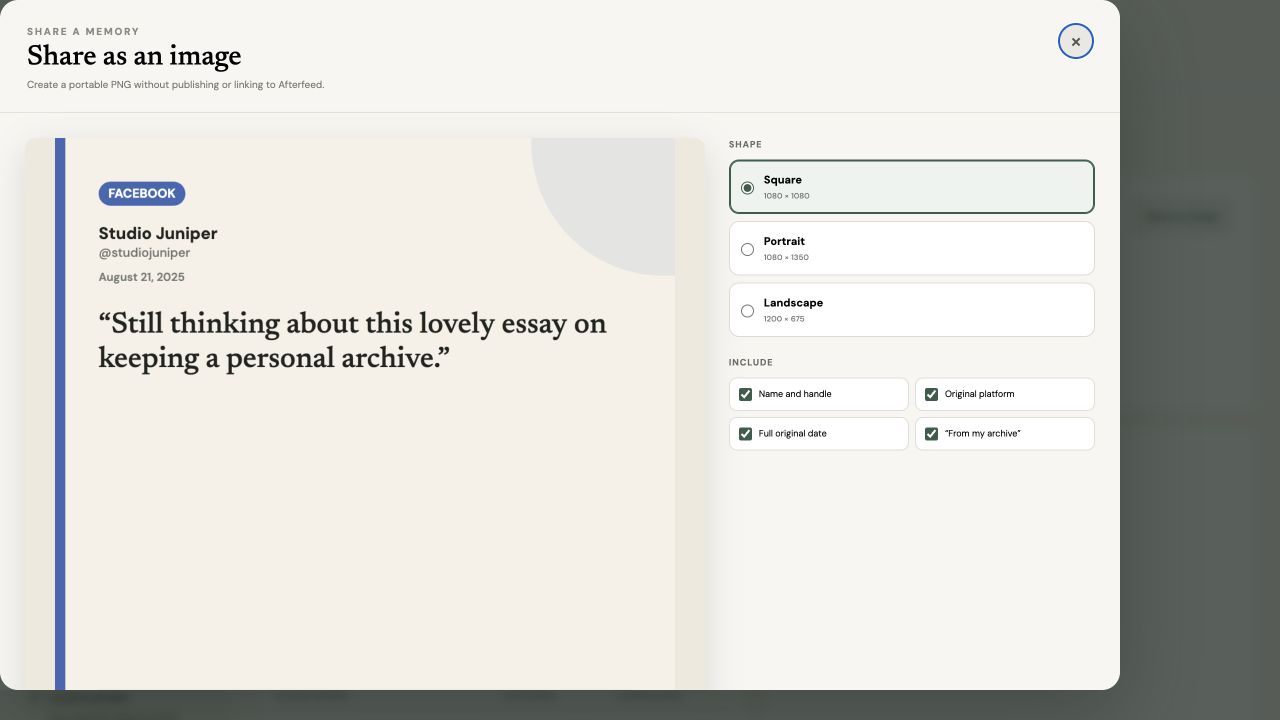
Turn a memory into a square, portrait, or landscape image. Choose what to include—without sending anyone back to Afterfeed.
RUN IT YOURSELF
Afterfeed runs on PHP 8.4 and Laravel. SQLite works out of the box; MySQL, MariaDB, and PostgreSQL are supported for larger installations.
# Clone and set up
git clone https://github.com/rebeccathedev/afterfeed.git
cd afterfeed
composer run setup

# Start Afterfeed
composer run devUse the published PHP-FPM image with the included Nginx Compose setup.
Docker instructions ↗